
Videos, written in TypeScript.
Put every scene in one timeline.ts: text, React components, footage, three.js, captions and music. Preview it live. Render an MP4 with one command.
npx smashcut init my-videoexport default defineVideo({
size: [1920, 1080],
fps: 30,
layers: [
series([ group([
three(logo3D(logoSvg)),
text("Videos, written in TypeScript.", { at: 1.3 }),
], { duration: 3.4 }),
zoom(0.7), group([
framed(react(Editor, { entry: typing(code) })),
], camera(followTheCaret)),
slide(0.8, { direction: "left" }), group([
framed(video(asset("tour.mp4"), { trim: [1.6, 7.6] })),
framed(react(Terminal), { chrome: "window" }),
], { duration: 6 }),
zoom(0.8), group([
three(logo3D(logoSvg, { settle: 1 })),
text("smashcut", { enter: "fade-up" }),
text("npx smashcut dev", { enter: "zoom" }),
]), ]),
subtitles(narration, { preset: "boxed" }),
decor.grain({ amount: 0.04 }),
],
audio: [
music(groove({ intensity, end }), { duck: 0.35 }),
sfx.keys(typing(code), { switch: "tactile" }),
],
});Psst: this video was rendered by smashcut from the code next to it. Click a scene, or drag the timeline.
How it works
my-video/
├ timeline.ts  the video
├ assets/      images, footage
└ lib/         React components
Write the timeline
A video is a folder. It's plain TypeScript, so scenes are functions, timing is arithmetic, and your editor autocompletes everything.
Preview it live
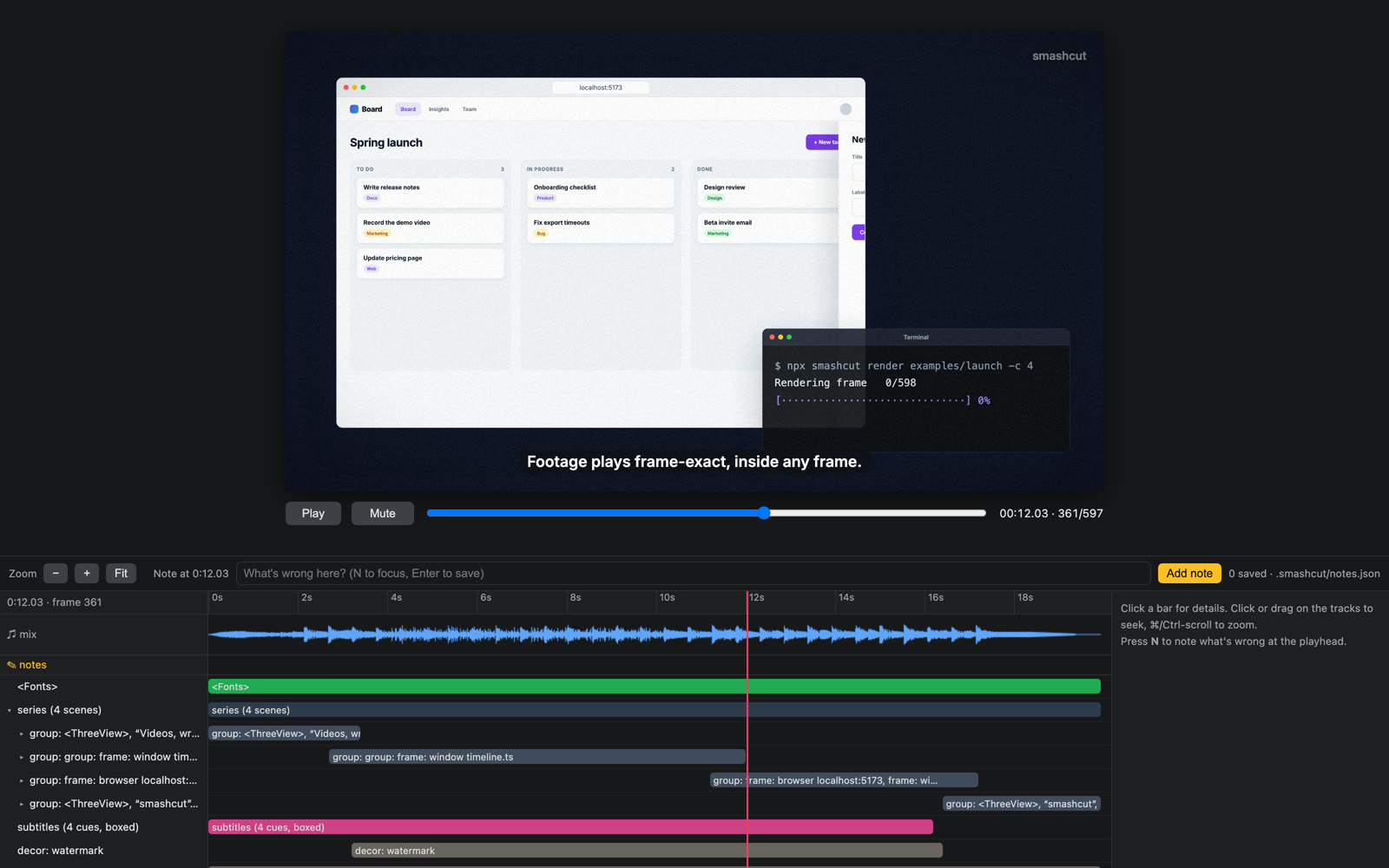
npm run devopens the video with a timeline of every clip, caption and sound. Save, and it updates. Press N to leave yourself a note.$ npm run render Rendering frame 598/598 Wrote out/my-video.mp4 ✓Render the file
npm run renderrenders every frame in headless Chrome and hands them to ffmpeg, soundtrack included. Same timeline, same file, every time.
What goes on the timeline
Every kind of clip is a function. Mix them however you like: footage in a phone, captions over 3D, a camera move over a React form.

Text and motion
Enter and exit effects, transitions, keyframes and springs. Even the randomness is the same on every render.
examples/motion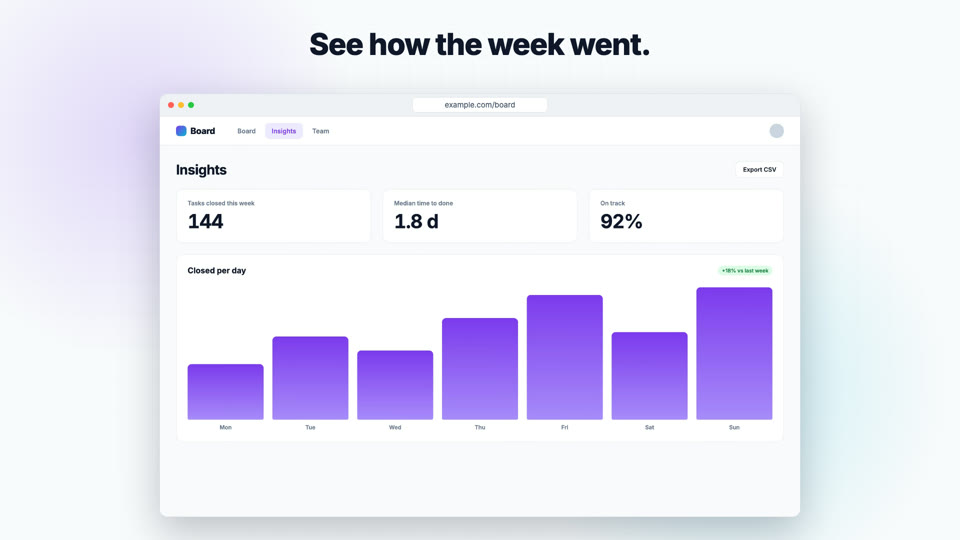
Any React component
Charts, product UI, whatever you can build. Components read the current time and draw that frame.
examples/frames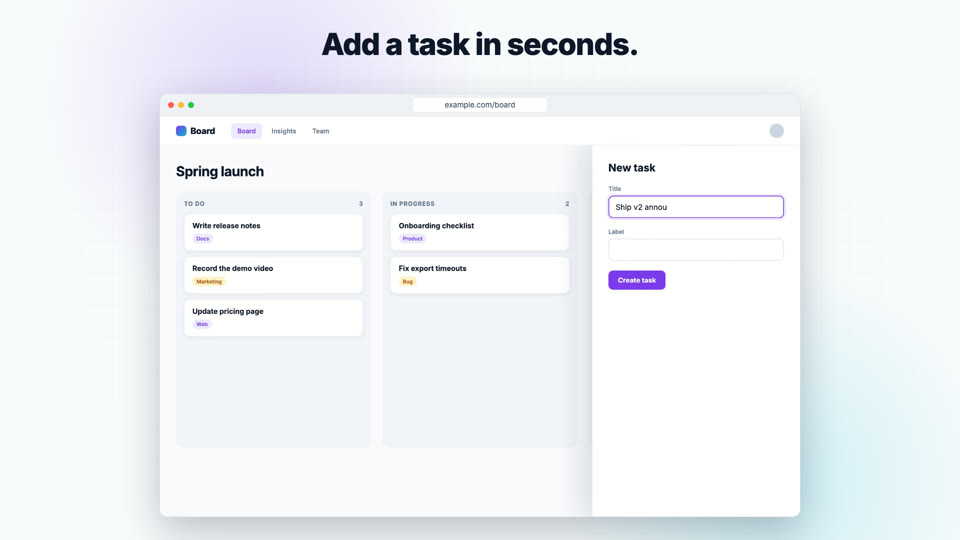
Screen recordings
Trim, speed up and loop footage, inside a browser or phone frame. Frame-exact, even in parallel renders.
examples/footage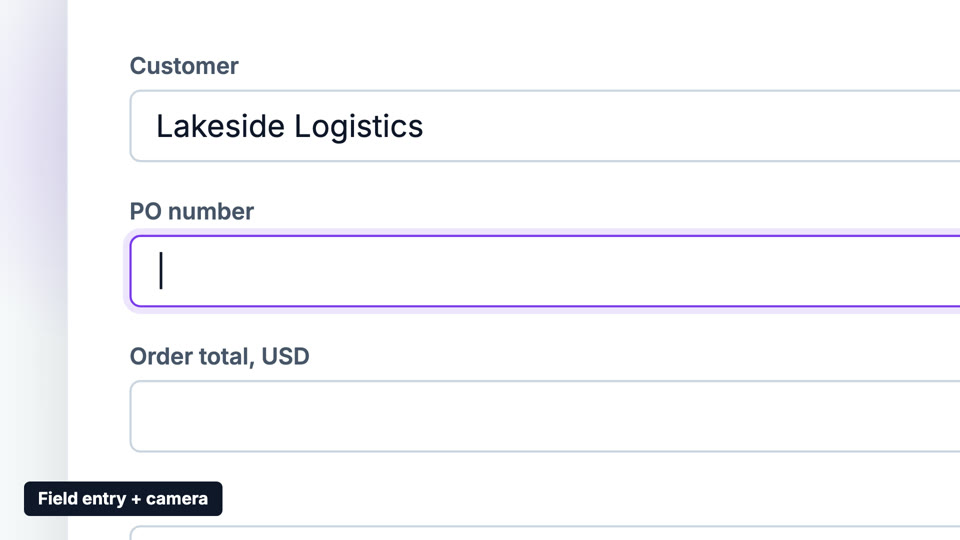
Typing, with a camera
Human-speed typing, the odd typo, real keyboard sounds, and a camera that follows the caret.
examples/typing
Captions
Load SRT or WebVTT, or build them from scene times. Boxed, bold, or lighting up word by word.
examples/subtitles
three.js scenes
Lit 3D geometry, or your logo extruded from an SVG, in sync with everything else.
examples/threeMusic and sound effects
Generated music that builds with your story and ends on a chord, plus whooshes and clicks that duck it.
examples/launchYour idea here
Ten example videos to copy, from a vertical social clip to a full launch video.
Browse examples
Or let your coding agent make it
Videos are code, so Claude Code, Codex or Cursor can write them. Every video folder comes with a smashcut skill and an AGENTS.md, and two commands let the agent check its own work:
smashcut sheetrenders a contact sheet, so the agent sees the whole video in one image.smashcut inspectlists every clip, caption and sound with its timing.- Notes you leave in the preview (press N) are saved where the agent can read and fix them.
No project yet? Add the skill to Claude Code:
/plugin install smashcut --marketplace volodymyrrudyi/smashcut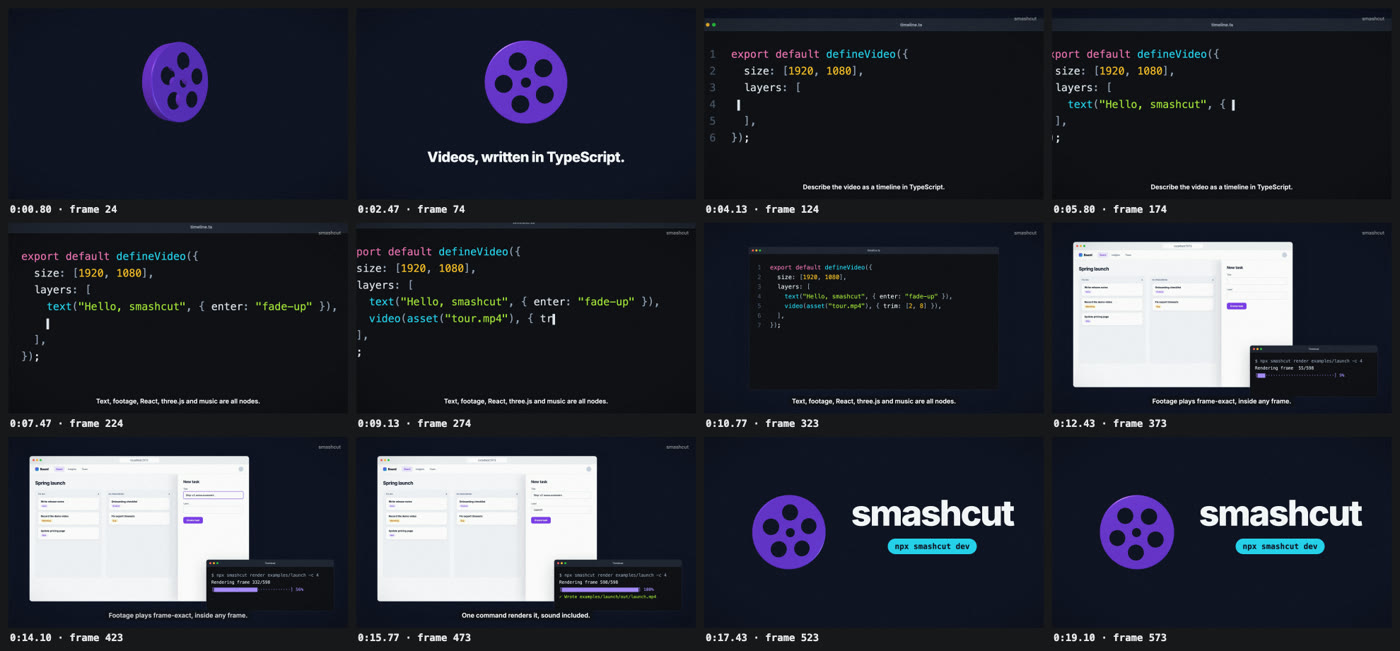
Make your first video
You need Node 24+ and ffmpeg. The first run also installs the headless browser smashcut renders with.
$ npx smashcut init my-video
$ cd my-video && npm install
$ npx playwright install chromium-headless-shell
$ npm run dev      # preview while you edit
$ npm run render   # out/my-video.mp4